

Global Broker Regulation Inquiry App
About WikiFX
English
简体中文
繁體中文
English
Pусский
日本語
ภาษาไทย
Tiếng Việt
Bahasa Indonesia
Español
हिन्दी
Filippiiniläinen
Français
Deutsch
Português
Türkçe
한국어
العربية
اردو


LHFX login — create account, verify KYC, connect MT4, and fix common errors

WikiFX
|


Abstract: A practical LHFX login guide: step-by-step signup, KYC, dashboard walkthrough, MT4 login/server tips, password resets and troubleshooting for new traders.
How Can New Traders Start with LHFX? — Step-by-Step
We present a straightforward onboarding flow: registration → KYC → platform access.
Step 1 — Create an account
- Visit the client portal at app.lhfx.com/login.
- Register with email and a strong password and confirm your email.
- Enable any offered two-factor authentication and, if unsure, start with a Demo account.
Step 2 — Complete KYC & Risk Disclosures
- Upload identity and address documents as requested.
- Accept client agreements, risk disclosures and AML/KYC declarations.
- Once verification is approved, funding and MT4 credentials become available.
Step 3 — Connect to the trading platform (MT4)
- Download MT4 for your device or use the Web Trader.
- Enter the server name, account number and trading password provided in your client dashboard.
- If you see “Invalid account”, “No connection” or similar errors, verify the server string, credentials, and your internet/port settings.
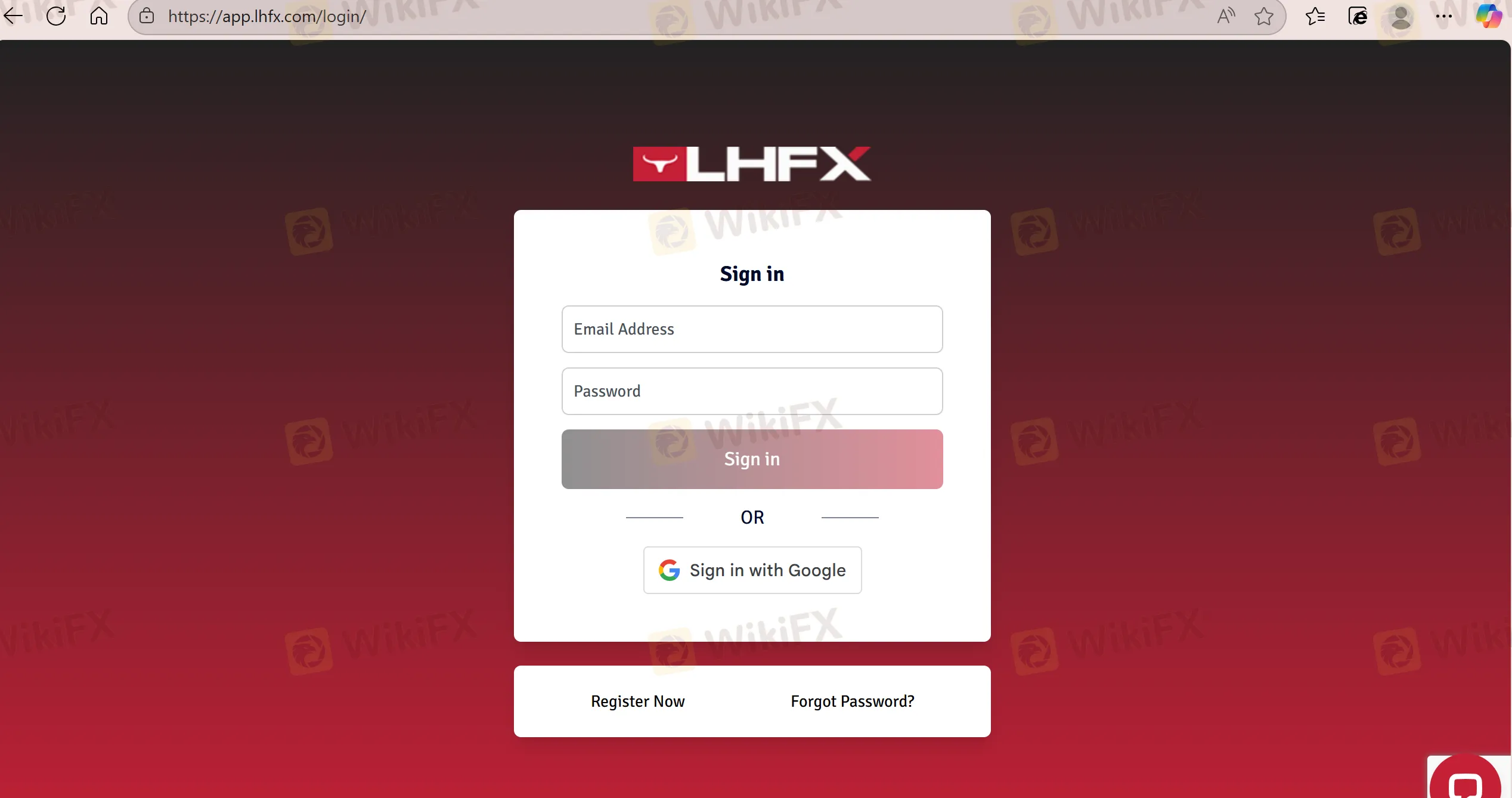
Inside the Dashboard: What to Expect After Login
- Account overview: balance, equity, margin and trade history.
- Funding: deposit options and generated crypto addresses or third-party payment instructions.
- Platform access: MT4 server details, password resets and downloads.
- Support: 24/7 chat, email and call options (as advertised).
FAQs about LHFX Login & Access (Q&A)
Q1 — What information do I need to log in to MT4?
A: Server name, account number (login) and trading password — all supplied in the client area.
Q2 — I get “Invalid account” or “No connection” errors. What should I do?
A: Confirm the server name, check your credentials, test network connectivity, and reset the password if needed.
Q3 — Can I trade from Web Trader only?
A: Yes, but MT4 desktop provides the most complete feature set for indicators, EAs and advanced charting.
Q4 — How do I reset a forgotten password?
A: Reset it via the client portal; if that fails, contact support for manual assistance.
Q5 — Is KYC required before I can deposit or trade?
A: The platform typically requires KYC for full access to deposits and withdrawals; follow the client area prompts.
Disclaimer:
The views in this article only represent the author's personal views, and do not constitute investment advice on this platform. This platform does not guarantee the accuracy, completeness and timeliness of the information in the article, and will not be liable for any loss caused by the use of or reliance on the information in the article.
WikiFX Broker
Latest News
Singapore tightens monetary policy in surprise move as rising oil prices rekindle inflation risk
WikiFXSPREDIX MARKETS Review: What Traders Should Know Before Depositing
WikiFXBXB Review – Zero Regulation, Dead Website: What Traders Need to Know
WikiFXHFM Review: No Regulatory Licences and a 1.83 Score , Is Your Deposit Safe?
WikiFXIs Your Withdrawal Plan Killing Your Compounding Gains?
WikiFXHFMARKETS TRADE Review: Zero Regulation and a Central Bank Warning
WikiFXWhy the Dollar Moves Almost Every Forex Pair
WikiFXChipmakers fall in US and Asia as AI jitters rattle investors
WikiFXBX Trade Review: Is This Unregulated Broker Worth the Risk?
WikiFXSTMARKET Review: Withdrawal Complaints Cloud a Low-Rated Broker, What to Know Before You Deposit
WikiFX