

Global Broker Regulation Inquiry App
About WikiFX
English
简体中文
繁體中文
English
Pусский
日本語
ภาษาไทย
Tiếng Việt
Bahasa Indonesia
Español
हिन्दी
Filippiiniläinen
Français
Deutsch
Português
Türkçe
한국어
العربية
اردو


SogoTrade Login – How to Access Your Account Easily?

WikiFX
|


Abstract:Learn how to log into your SogoTrade account. Follow easy steps to access your trading platform. Find useful FAQs to resolve any login issues.
Step 1: Account Registration
To get started with SogoTrade, you must first create an account on their platform. Heres a step-by-step guide for new traders:
Visit the SogoTrade Registration Page: Go to the official SogoTrade website here.
Click “OPEN AN ACCOUNT”: Youll find the “OPEN AN ACCOUNT” option on the homepage. Click it to start the registration process.
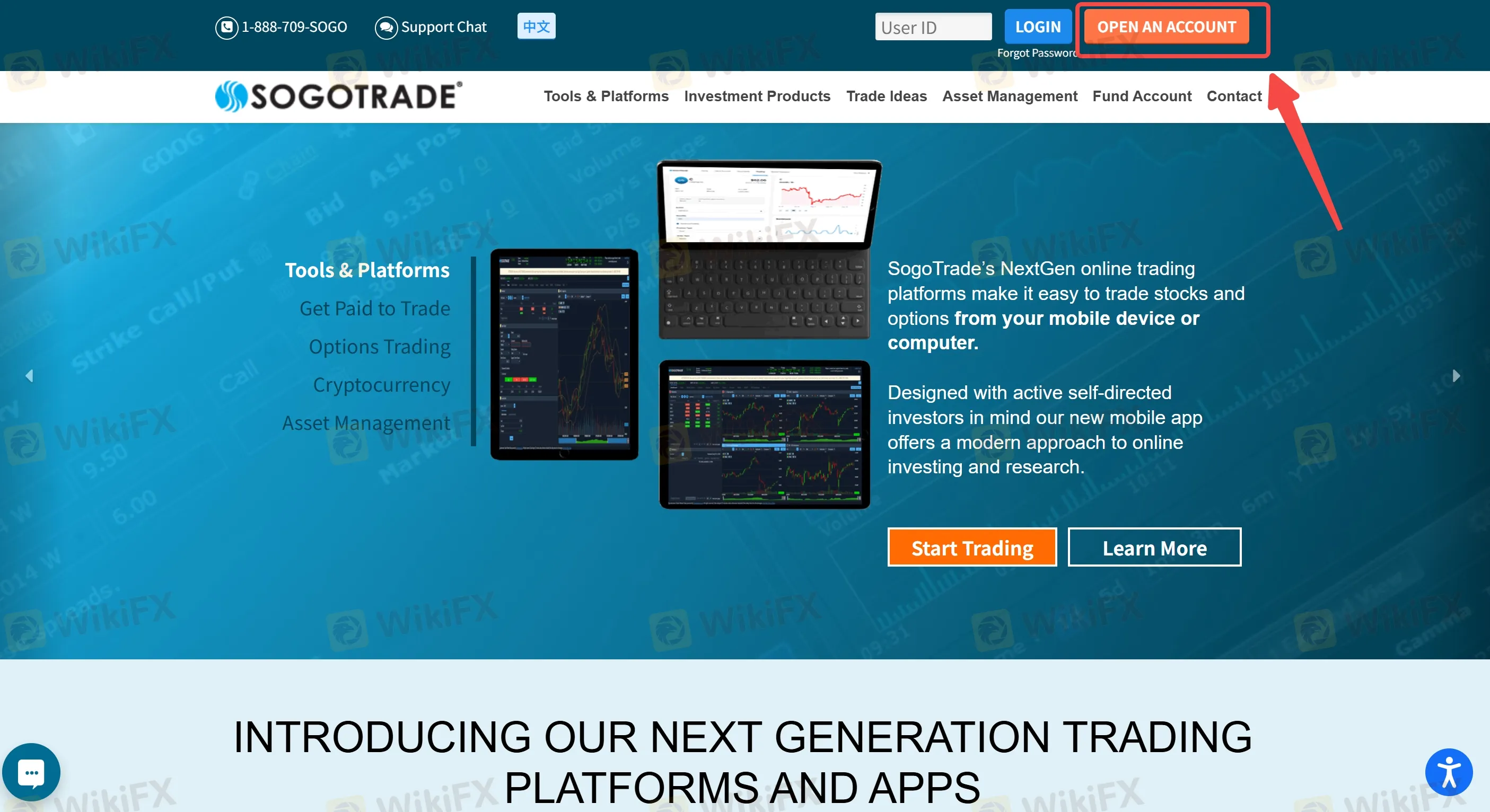
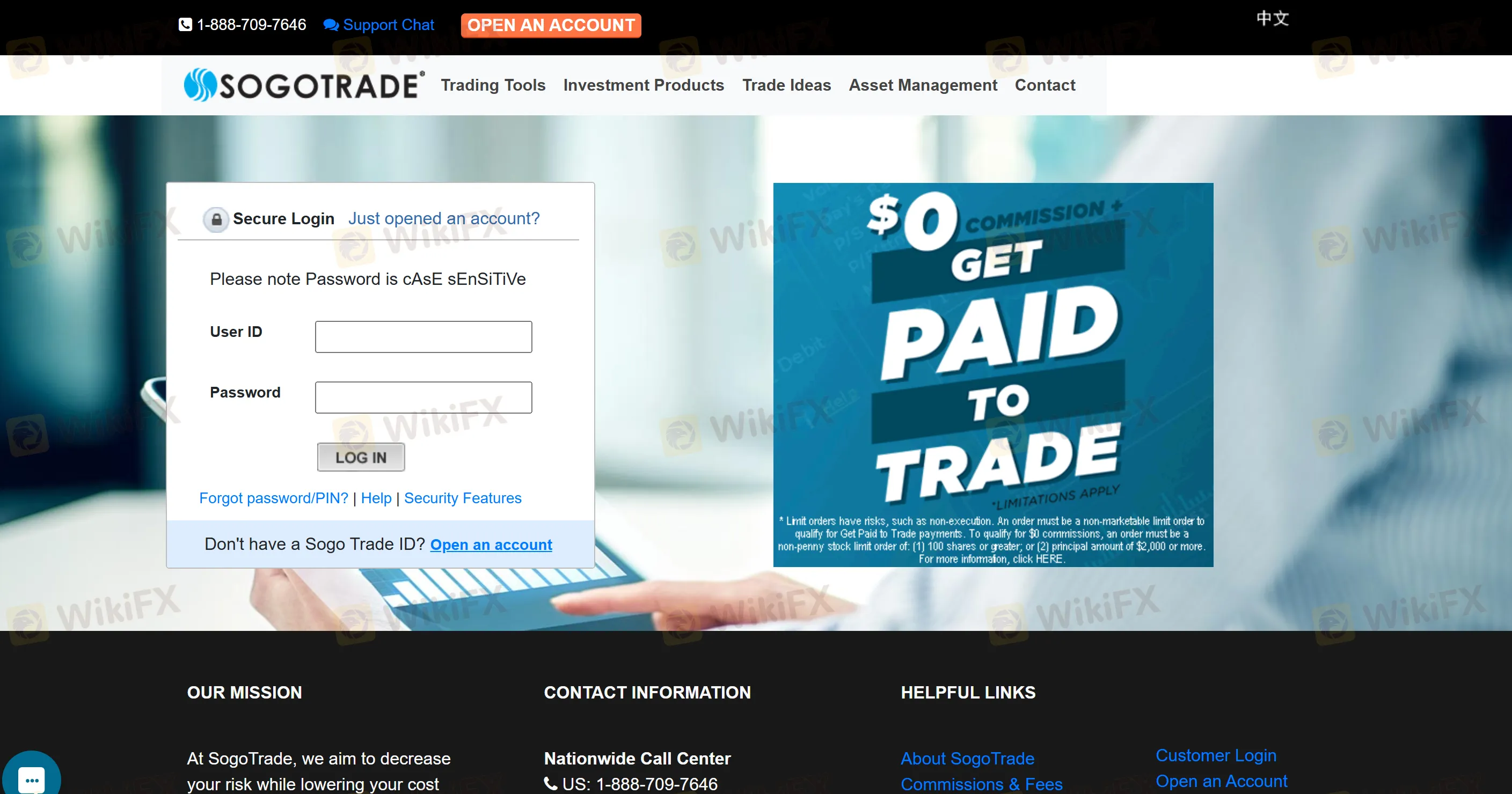
Fill in Personal Information: You will need to provide your full name, email address, phone number, and other personal details.
Create a Strong Password: Choose a secure password for your account. Its advisable to use a mix of uppercase and lowercase letters, numbers, and special characters.
Submit Identity Verification Documents: As part of the regulatory requirements, SogoTrade may request to verify your identity by submitting proof of ID and address (e.g., passport or utility bill).
After submitting the required documents, your account will be activated, and you can move on to login.
Step 2: How to Log into Your Account?
Once your account is created and activated, you can log in to your SogoTrade account by following these simple steps:
Go to the SogoTrade Login Page: Navigate to the SogoTrade login page by visiting this link.
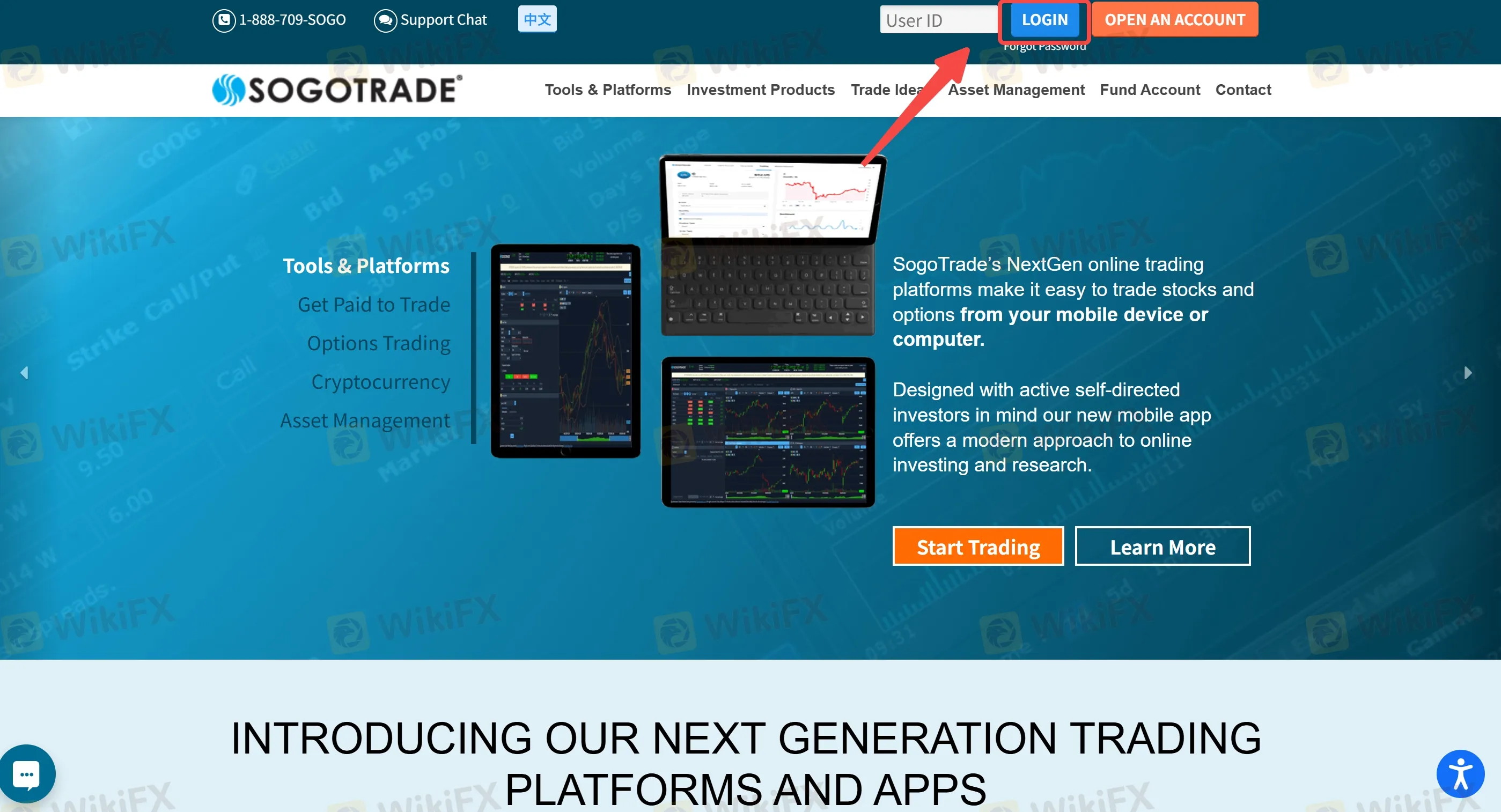
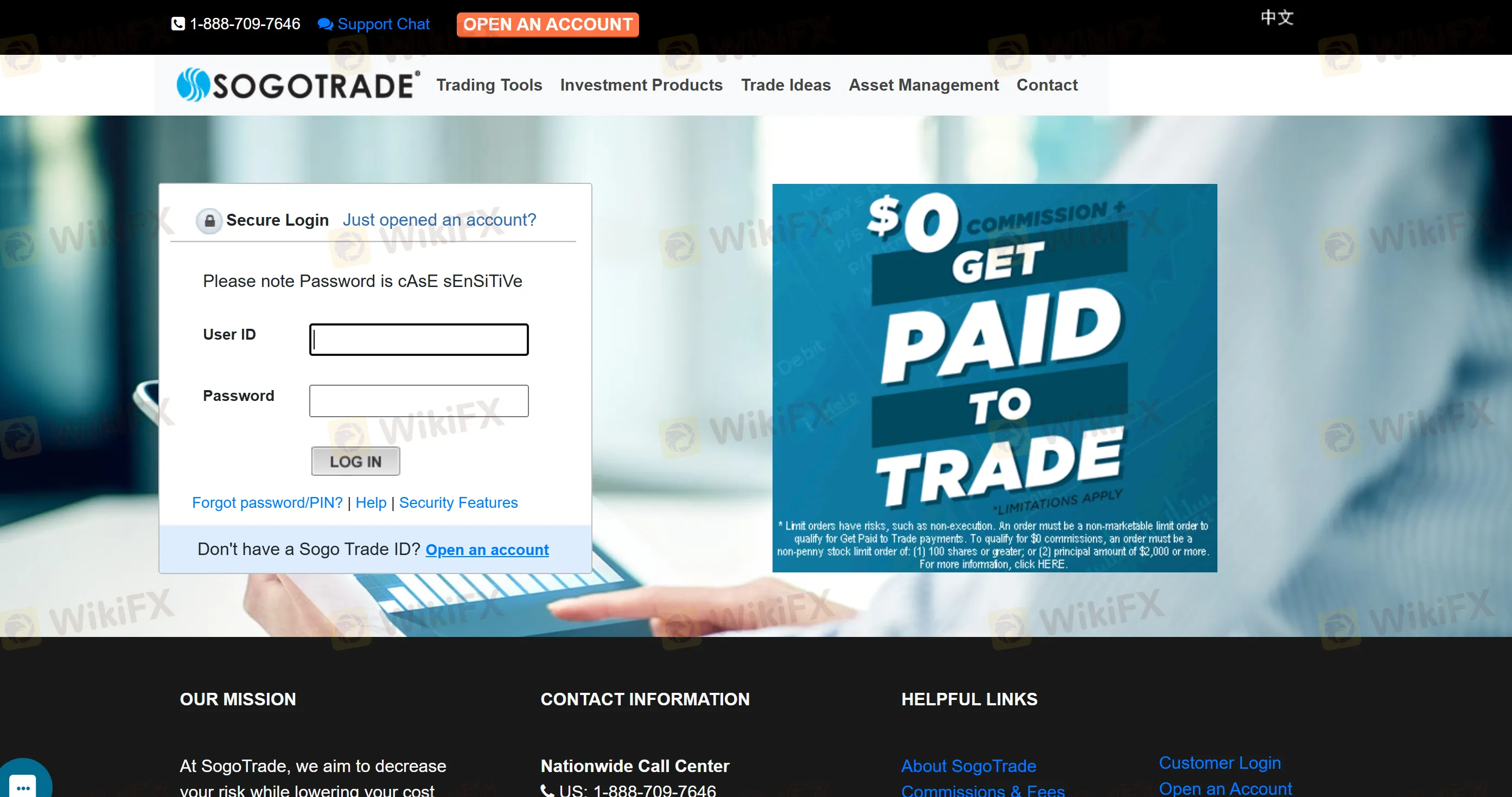
Enter Your Credentials: Input the username (email) and password you used during registration.
Click on “LOG IN”: After entering your login details, press the “LOG IN” button.
Two-Factor Authentication (Optional): For enhanced security, SogoTrade may require you to enable two-factor authentication (2FA). This step adds an extra layer of protection to your account.
Once logged in, you will have full access to your trading dashboard, including all tools, account settings, and fund management features.
FAQs about SogoTrade Login
How can I reset my password if I forget it?
If you forget your SogoTrade account password, click the “Forgot Password” link on the login page. Youll be asked to provide your registered email address. Follow the instructions sent to your email to reset your password.
Why am I unable to log into my SogoTrade account?
If youre unable to log in, check if your login credentials are correct. Ensure your password is correct, and try clearing your browser cache. If problems persist, contact SogoTrade customer support.
What should I do if I can't receive the verification email for account activation?
Check your spam folder. If it‘s not there, ensure you entered your email address correctly during registration. If you still don’t receive the email, contact customer support.
Can I log into SogoTrade from any device?
Yes, you can access your SogoTrade account from any device with an internet connection, including desktops, laptops, and mobile phones.
Is two-factor authentication mandatory for logging in?
While two-factor authentication is not mandatory, it is highly recommended to secure your account further. It adds an extra layer of protection when accessing your account.
Disclaimer:
The views in this article only represent the author's personal views, and do not constitute investment advice on this platform. This platform does not guarantee the accuracy, completeness and timeliness of the information in the article, and will not be liable for any loss caused by the use of or reliance on the information in the article.
WikiFX Broker
Latest News
OtetMarkets Review: Traders Report Frozen Funds and Withdrawal Blocks , Score Sits at 2.00
WikiFXIs Octa Safe for Malaysian Traders? Deep Dive into Octa's Regulatory Status
WikiFXPocket Broker Review: Is Your Deposit Safe?
WikiFXReview 2026: Dollars Markets Regulation, Withdrawal Complaints, and Platform Risks
WikiFXCapital Guard Liquidated: $17.4m Raised, Most Funds Gone
WikiFXWhy the Dollar Moves Almost Every Forex Pair
WikiFXBX Trade Review: Is This Unregulated Broker Worth the Risk?
WikiFXSTMARKET Review: Withdrawal Complaints Cloud a Low-Rated Broker, What to Know Before You Deposit
WikiFXDeriv Review: What Traders Should Know Before Depositing
WikiFXDollar Steadies as Rupee Finds Market Support
WikiFX