


Global Broker Regulation Inquiry App
About WikiFX
English
简体中文
繁體中文
English
Pусский
日本語
ภาษาไทย
Tiếng Việt
Bahasa Indonesia
Español
हिन्दी
Filippiiniläinen
Français
Deutsch
Português
Türkçe
한국어
العربية
اردو
TradeEU Global Login, Register, and App Access Guide
Abstract:Learn how to log in and register at TradeEU Global via browser or mobile app. Understand account setup, security steps, and trading access in this login guide.
How Do You Access the TradeEU Global Login and Register Portal?
To access the platform, users can navigate to the official TradeEU Global website and click the “Login” button located at the top-right corner.
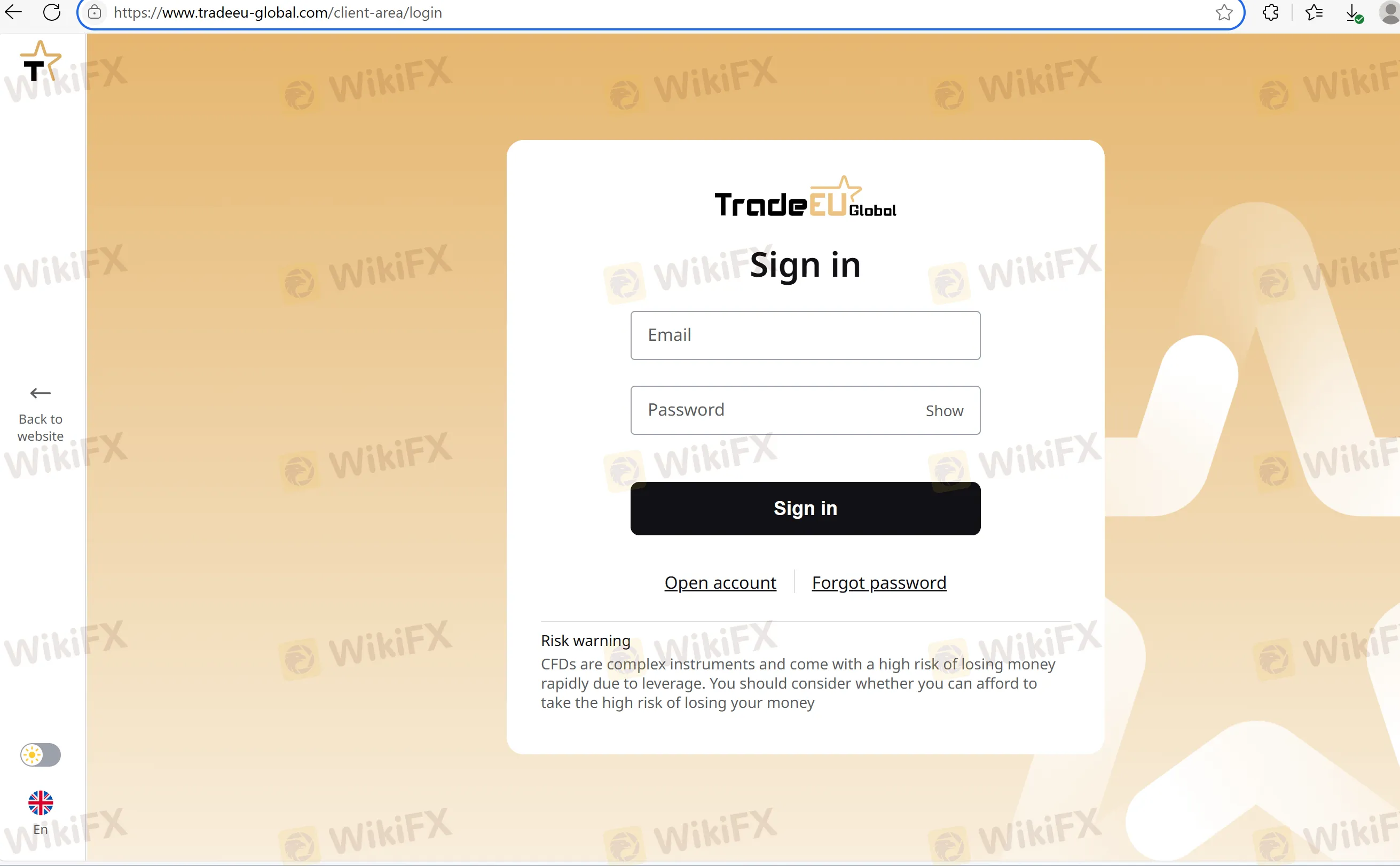
This will lead to the login portal where you enter your email and password. New users can register by clicking “Open Account” and proceeding through the standard onboarding steps.
The platform offers login access through web browser and mobile app (available for Android and iOS), giving users flexibility across devices. The mobile app interface is modeled around TradingView charts, but user reviews and technical documentation are limited.
The registration process requires full KYC, including:
- Identity document (passport, national ID)
- Proof of address (utility bill, bank statement)
- Email verification
- Account funding (no publicly stated minimum deposit amount)
However, due to lack of regulatory oversight, there is no guarantee of fund segregation or account-level investor protection.
What Login Options Are Available on TradeEU Global?
| Feature | Details |
| Login Method | Email + Password (via Web or App) |
| App Platforms | Android and iOS |
| KYC Requirement | Mandatory for full account access |
| Account Types Offered | Silver, Gold, Platinum, Islamic |
| Demo Account | Not clearly disclosed |
| Minimum Deposit | ❓ Not publicly disclosed |
| Minimum Withdrawal | ❓ Not publicly disclosed |
| Multi-device Login | Supported |
| Security Features | Basic encryption, no confirmed 2FA or biometric authentication |
⚠️ Security Note: TradeEU Global does not disclose security audit practices or external verification. Users should use strong passwords and manually enable available security settings.
FAQs about Logging In and Registering on TradeEU Global
Q1: Where can I log in to my TradeEU Global account?
A: Visit www.tradeeu-global.com and click “Login” to access the login portal.
Q2: How do I register a new account?
A: Click “Open Account,” provide your personal details, verify your email, and complete KYC with ID and address documents.
Q3: Does TradeEU Global offer a mobile app?
A: Yes, there is a mobile trading app available on both the Google Play Store and Apple App Store.
Q4: Is two-factor authentication (2FA) supported?
A: The website does not confirm 2FA or biometric login support. Users are advised to take manual precautions.
Q5: Can I access my account from multiple devices?
A: Yes. The platform supports login from different devices, including smartphones and desktops.
Q6: Is there a demo account for practice?
A: The availability of a demo account is unclear. The broker does not prominently display this feature on its main pages.
Disclaimer:
The views in this article only represent the author's personal views, and do not constitute investment advice on this platform. This platform does not guarantee the accuracy, completeness and timeliness of the information in the article, and will not be liable for any loss caused by the use of or reliance on the information in the article.
WikiFX Broker
Latest News
Vonway Forex Review: No Regulation, Withdrawal Complaints, and a Broker Warning
 WikiFX
RoboMarkets Review 2026: Regulation, Complaints, and Execution Quality
WikiFXMazi Finance Review 2026: Unregulated Status, Withdrawal Complaints, and Risk Signals
WikiFXReview 2026: TRADING 212 Regulation, Clone Warning, and Withdrawal Complaint
WikiFXReview 2026: BOLD PRIME Complaints, Regulation Warnings, and Withdrawal Risk
WikiFXReview 2026: EMIRAX MARKETS Regulation, Withdrawal Complaints, and Trading Risks
WikiFXPolymarket Under Fire as Wall Street Watchdog Launches Investigation
WikiFX⚽💱 World Cup · Forex Predict & Win Event
WikiFXHIJA MARKETS Review 2026: I Was Told to Pay $3,000 to Receive My Profits, But I Found It Suspicious
WikiFXRupee Logs Quarterly Gain; Yen Hits 40-Year Low
WikiFXCurrency Calculator
USD

CNY
Current Rate:0
Enter amount
USD
Redeemable Amount
CNY
Calculate 